Check if your AI-generated design is actually print ready
Upload your AI-generated design to check its size, bleed, DPI, color mode, safe zones, and cut lines. Get a plain-language report, a corrected prompt, or a recreated print-ready design before you send it to the printer.
5 free credits No card needed PNG, JPG or PDF
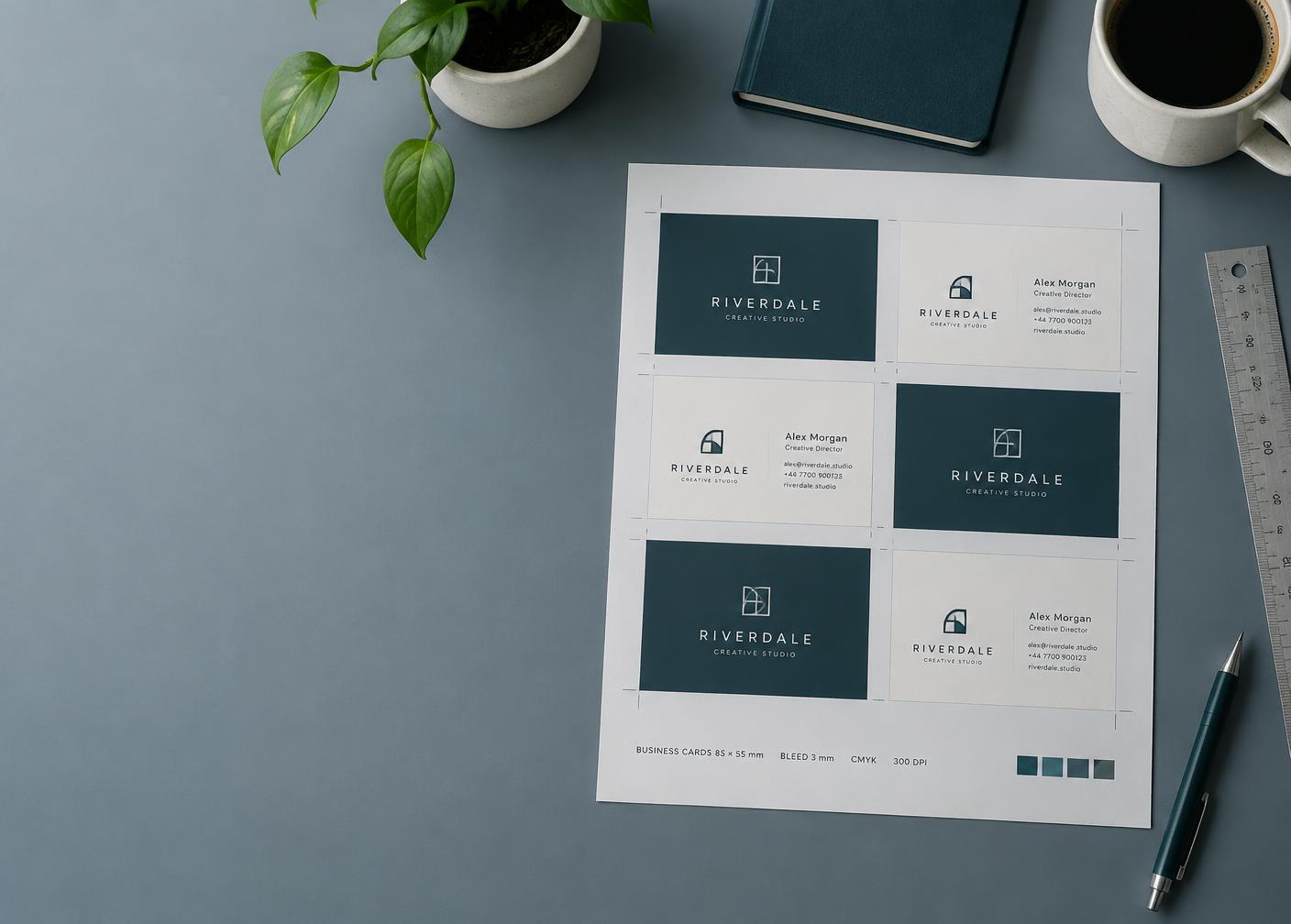
Print-readiness report
Bleed
No 3 mm bleed found around the trim edge.
Resolution
212 DPI at 90 × 50 mm — aim for 300.
Size & ratio
Matches 90 × 50 mm business card.
Sharp on screen, soft on paper
A 1024 px image is barely 130 DPI on an A5 flyer.
No bleed, white edges
Trimming shaves the artwork and leaves a pale rim.
Colours shift on press
Bright RGB greens and blues flatten once converted.
Three steps from upload to print-ready
No prepress knowledge needed. Sign up, drop the file in, and follow the report.
- 1
Upload & pick the product
Drop in your image or PDF and choose what you are printing — a business card, sticker, banner and more.
We load that product's real size and bleed rules.
- 2
Analyze
Each check comes back pass, warning or fail with one plain sentence explaining why.
You know exactly what to fix, in order.
- 3
Fix or recreate
Copy a corrected AI prompt into the tool you already use, or have us recreate the design print-ready.
A file your printer accepts first time.
Every check a printer would run
The same six things that get artwork rejected — checked against the rules for your exact product.
Size & ratio
Matches the real print sizes for your product, and tells you the largest clean size you can print at.
Bleed
Confirms the extra margin beyond the trim line your printer needs — usually 3 mm.
Resolution
Checks effective DPI at the final printed size, not at screen size.
Colour mode
Flags RGB artwork that will shift once it is converted for press.
Safe zones
Spots text and logos sitting too close to the edge to survive trimming.
Die-cut path
Tells you when a custom shape is missing the vector cut line it needs.
Print types we already know
Each one carries its own accepted sizes, bleed and safe-zone rules.
- Business card
- Die-cut card
- Sticker / die-cut
- Sticker sheet
- Roll-up banner
- Poster
- Flyer
- Brochure
- Invitation
- Label
- Packaging
See the difference before you pay a printer
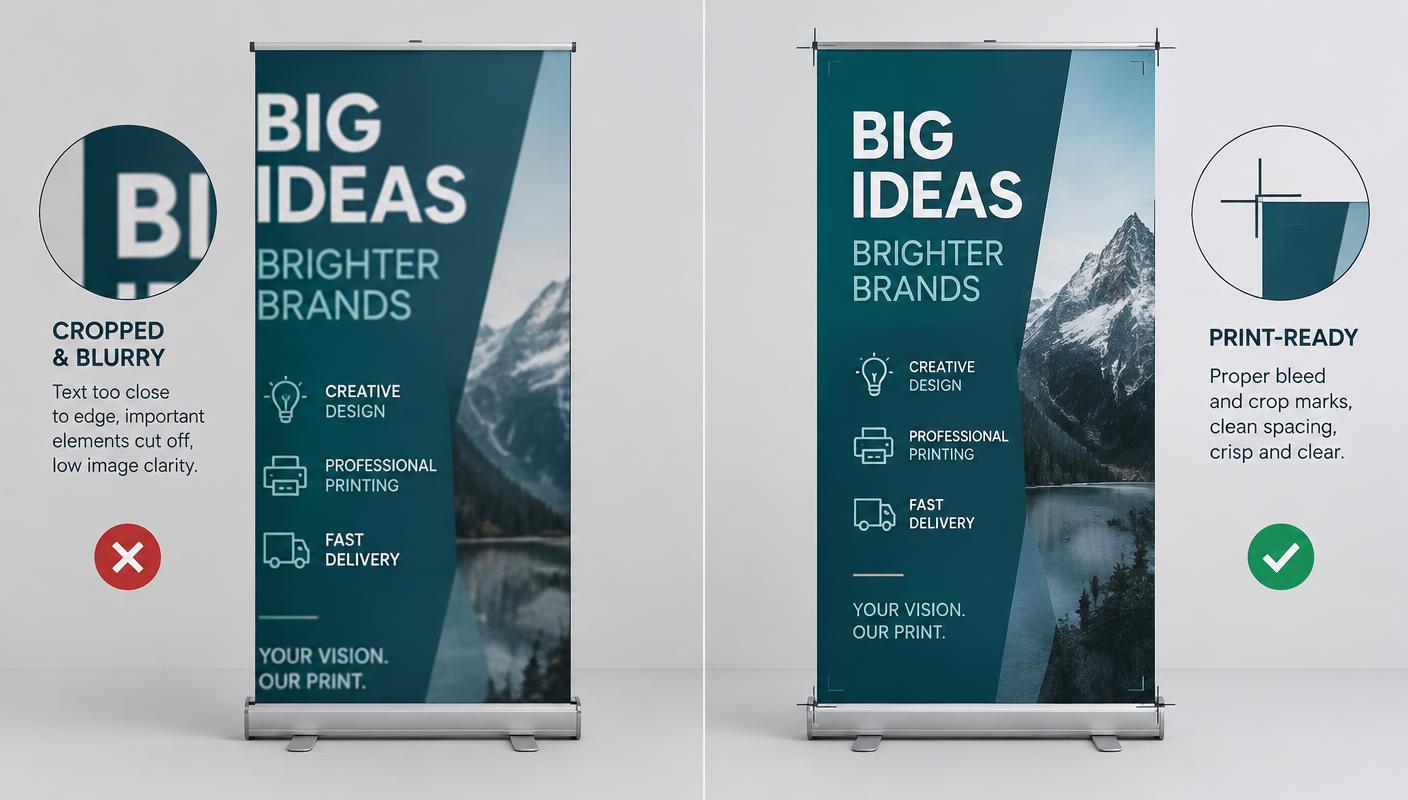
On the left, a roll-up banner with headline text pressed against the trim edge and a soft photo. On the right, the recreated file: proper bleed, crop marks, safe spacing and full resolution — same design, built for press.
- Layout, wording and colours stay faithful to your original.
- Download the corrected file and send it straight to the printer.
- Not quite right? Request a revision for less than a new recreation.
Questions, answered
- What files can I upload?
- PNG, JPEG and PDF files up to 50 MB. PDFs are read page by page so we can see real dimensions and vector paths.
- How do credits work?
- Every new account gets 5 free credits. A check costs 1 credit, a corrected prompt 1, a full print-ready recreation 4, and a revision 2.
- What does print-ready actually mean?
- The artwork is the right size and ratio for the product, carries the bleed your printer expects, has enough resolution at final size, uses the right colour mode, keeps important content out of the trim area, and includes a cut path when the shape is custom.
- Does this replace my printer's proof?
- No. It catches the mistakes that normally get files rejected or reprinted, before you send them. Always approve your printer's final proof too.
Your first five checks are on us
Create an account, upload a design and see the report. No card, no setup, nothing to install.
Create your free account